
Shopify stores designed and launched
Snapchat catalog setup for Shopify
Snapchat Shopify Setup That Gets Your Catalog and Pixel Working Together
Installing the Snapchat Shopify app connects an account and a pixel. A repaired catalog, matching events and sensible product sets are what let dynamic ads show the right product. We set them up and check them against a real purchase. From $490, fixed scope.
- App connected and the Snap Pixel verified
- Catalog repaired so ads show correct price and stock
- Product sets built for the ads you plan
- A test purchase compared with what Snapchat records
From$490
Delivery3 to 10 working days
Revisions2 rounds
Our track record
450+ Shopify Stores Launched Since 2015. Your Snapchat Catalog Gets the Same Care.
Snapchat reaches a young, mobile audience that decides quickly. Ads that show the wrong price or an out-of-stock product waste that attention. We make the catalog and tracking correct first, so spend goes to products that can be bought.
Average rating from verified clients
Building Shopify stores since
Secure checkout
Pay through a protected checkout and keep a full order record.
Two revision rounds
Included in every package, so the result matches what you pictured.
Backup before changes
We work on a duplicate of your theme, never on your live store.
Who this is for
Who Needs Help With a Snapchat Product Catalog Setup
Owners usually install the app and then wonder whether it is counting anything. Most people ask about snapchat product catalog setup in one of these six situations.
You are a good fit if
- Your customers use Snapchat
- You want a fixed price and written scope
- You will own the Snapchat and Shopify accounts
- You can add us with the roles listed in your Snapchat account
Brands with a young mobile audience
Your customers live on their phones. Snapchat puts products in front of them in a format they already use.
Owners unsure the pixel works
The Snap Pixel should fire for views, carts and purchases. We verify each against real activity.
Stores with a messy catalog
Wrong prices, missing images and stale stock make dynamic ads look careless. We repair the source.
Advertisers who want dynamic ads
Dynamic ads need product sets that make sense. We build sets by collection, price band or margin.
Merchants comparing channels
You want a plain view of whether Snapchat suits your products before you commit budget.
Founders short on time
You would rather hand over access and receive a working catalog than learn Ads Manager screens.
Problems solved
Why Snapchat Shopify Setups Underdeliver
An installed app is not a verified setup. These six problems explain most weak results.
The problem
The pixel fires twice or not at all.
The outcome
A pixel added by hand and by the app counts events twice, while a blocked one counts none.
The problem
The catalog shows stale data.
The outcome
Ads that show an old price or an item that sold out erode trust and waste spend.
The problem
Images are poor for the format.
The outcome
Wide product photos crop badly in a vertical, full-screen feed.
The problem
Product sets are an afterthought.
The outcome
Sending the whole catalog into ads gives the system no sense of what matters most.
The problem
Events do not match Shopify orders.
The outcome
If Snapchat records more or fewer purchases than Shopify, nobody can trust the numbers.
The problem
Account roles are unclear.
The outcome
A pixel or catalog owned by a former agency or employee blocks changes later.
What we can do
What Our Snapchat Product Catalog Setup Covers
Six jobs make up the service. Your package decides how many products, sets and checks are included.
App and account connection
We install the Snapchat Ads app for Shopify, connect your Snapchat Ads account and document who holds each role.
Snap Pixel installation and checks
We confirm one pixel only, check that view, add to cart and purchase events fire, and compare a test purchase with Shopify.
Catalog repair
Titles, prices, images and availability are repaired in Shopify so the catalog stays right after each sync.
Product sets
Sets are built by collection, price band or margin so dynamic ads have sensible groups to draw from.
Vertical image check
We review how key products crop in a vertical feed and flag images that need a new crop.
Verification and hand-off
We write up what was checked, what matched and what remains, and leave notes for whoever builds the campaigns.
What is included
What Is Inside Your Snapchat Setup
The work for Snapchat Product Catalog Setup is organised into six groups of deliverables. The comparison table below shows how far each group goes by package.
Connection
- Snapchat Ads app installed
- Ads account connected
- Roles documented
- Access removable
Pixel
- Single pixel confirmed
- View and cart events
- Purchase event
- Test purchase compared
Catalog
- Titles and prices repaired
- Images checked
- Availability synced
- Resync tested
Sets
- Sets by collection
- Sets by price band
- Exclusions set
- Naming kept clear
Imagery
- Vertical crop review
- Flagged images listed
- Crop guidance
- Re-check after changes
Handover
- Test log
- Dashboard video
- Campaign hand-off notes
- Two revision rounds
You provide access and approve decisions. We handle connection, repair and verification.
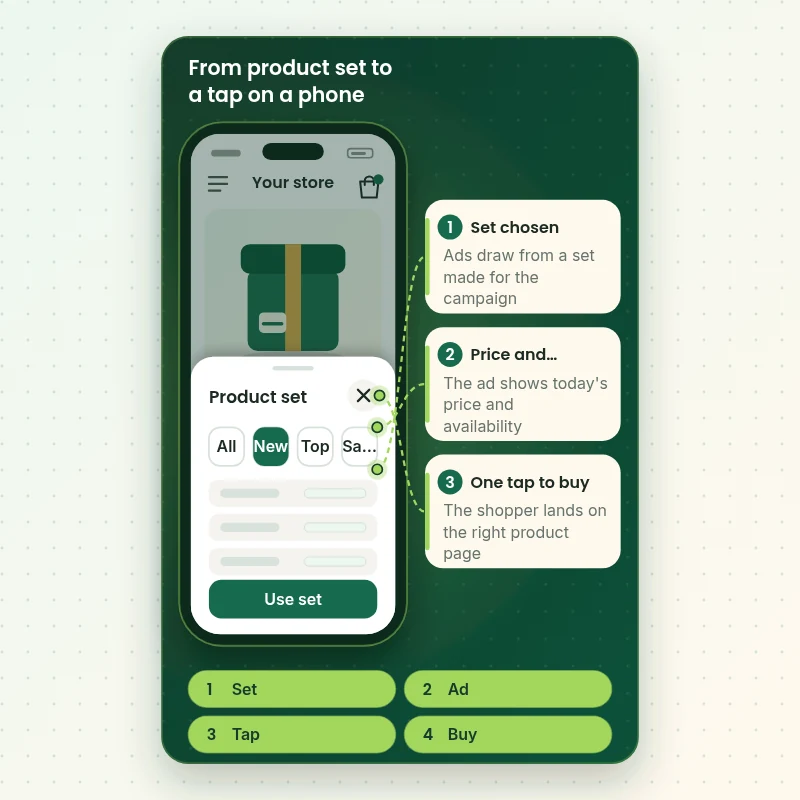
Product sets on a phone
How a Product Set Reaches a Shopper's Phone, Step by Step
Snapchat shoppers meet your catalog in a vertical ad on a phone. The walkthrough follows a set being chosen, a product appearing with its price and the shopper tapping through to the product page. We check each step on real screens.
Portfolio
Store Designs From Our Studio
Different niches need different layouts. These store designs show how we shape a storefront around its products, and Snapchat Product Catalog Setup follows the same approach.
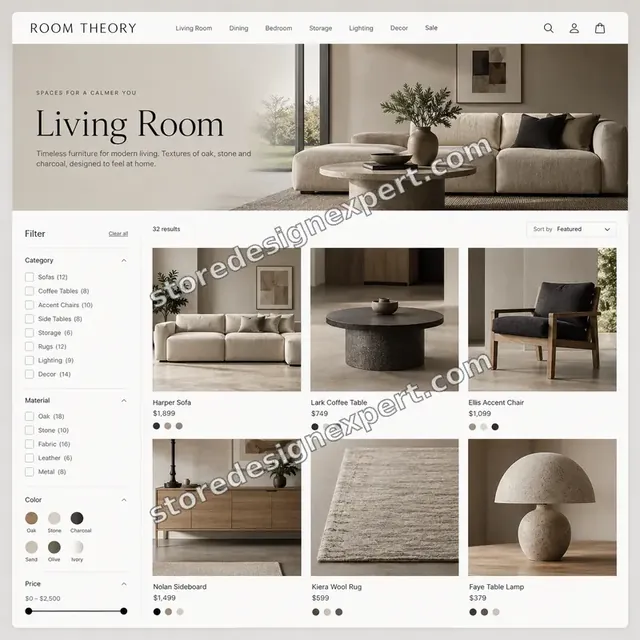
Furniture store design
Furniture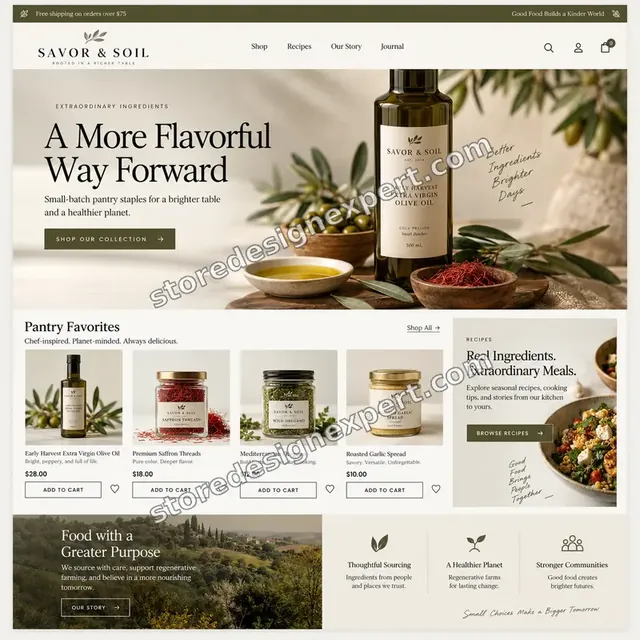
Food store design
Food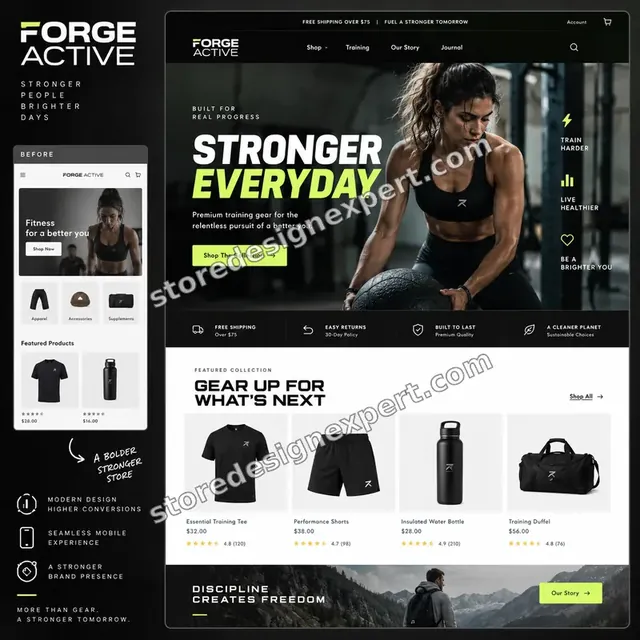
Fitness store design
Fitness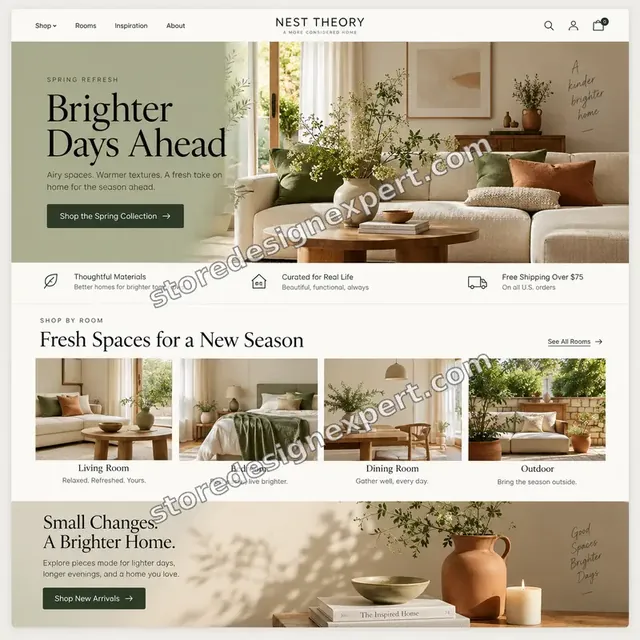
Home decor store design
Home decor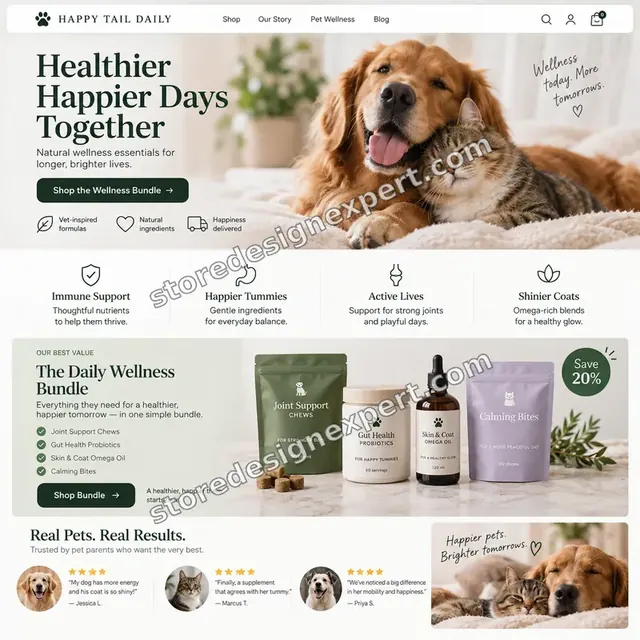
Pet store design
Pet
Coffee store design
CoffeeProcess and timeline
How a Snapchat Catalog Project Runs, Start to Finish
Six Snapchat steps, with nothing changing on your live theme until you approve a preview. Your calculator choices set the pace of every step.
- 1
Brief and account audit
You tell us what you sell and what you plan to advertise. We check the account, pixel and catalog.
- 2
Connect the app
The Snapchat Ads app is installed and the ads account connected, with roles documented.
- 3
Verify the pixel
We check for one pixel only and compare view, cart and purchase events with test activity.
- 4
Repair the catalog
Products are repaired in Shopify so fixes last, then the catalog is resynced.
- 5
Build product sets
Sets are created for the campaigns you plan and named clearly.
- 6
Hand over
After sign-off you receive the test log, a dashboard video and campaign notes.
Compare your options
DIY, Marketplace Gig, Agency or Our Snapchat Setup?
Four usual routes to a working Snapchat catalog. This comparison shows who checks the parts that decide whether ads show the right product.
| What matters | Set it up yourself | Marketplace gig | Agency retainer | Store Design Expert |
|---|---|---|---|---|
| Single pixel confirmed | Often doubled | Rarely | Yes | Yes |
| Catalog repaired in the store | Spot fixes | Rarely | Yes | Yes |
| Product sets built for campaigns | You build | Extra cost | Yes | Yes |
| Vertical image review | No | No | Sometimes | Yes |
| Test purchase compared across systems | No | No | Sometimes | Yes |
| Price known before work begins | Yes | Yes | Quote only | Yes |
| Written test log and walkthrough | No | Rarely | Extra cost | Yes |
| No retainer or minimum spend | Yes | Yes | No | Yes |
Inside every project
What Protects Your Accounts and Your Customers During Snapchat Setup
Snapchat accounts hold your pixel and ad spend, so these six habits come with every package.
Added by role, not by password
We ask to be added with only the roles Snapchat work needs. Passwords and card details are never requested for Snapchat work.
You keep ownership
The ads account, pixel and catalog stay yours, and access can be removed at any time.
Theme edits in a duplicate
Any Snapchat storefront changes are made in a duplicate theme after a backup.
No double pixels
We confirm only one Snap Pixel runs, so events are counted once.
A test purchase compared
Tracking is not called finished until a test purchase matches in Shopify and Snapchat.
Fixed scope, two revision rounds
The price is agreed before work starts, and changes inside scope run in two structured rounds.
Interactive price calculator
Build Your Snapchat Catalog Package
Choose a package, then tell us how many products you sell, the state of your pixel and how many product sets you want. The fixed price and delivery window update with every click.
Request a custom quote
Large catalogs above ten thousand products, multi-country catalogs, custom event setups, creative production and campaign management are scoped separately and quoted at a fixed price.
Request a QuoteChanged your mind? Choose Pixel and Catalog, Sets and Crops or Snapchat Launch Kit above to return to the instant calculator.
Packages and comparison
Snapchat Catalog Package Comparison
Line-by-line detail of what each package covers, useful when choosing between installing the app yourself and having it verified.
| What is included | Pixel and Catalog $490 | Sets and Crops $890Recommended | Snapchat Launch Kit $1,590 |
|---|---|---|---|
| App and ads account connected | Included | Included | Included |
| Single Snap Pixel verified | Included | Included | Included |
| Up to 100 products repaired in the catalog | Included | Included | Included |
| View, cart and purchase events checked | Included | Included | Included |
| Test log | Included | Included | Included |
| Up to 500 products repaired | Not included | Included | Included |
| Up to 6 product sets | Not included | Included | Included |
| Vertical image review | Not included | Included | Included |
| Resync tested | Not included | Included | Included |
| Up to 2,000 products repaired | Not included | Not included | Included |
| Up to 15 product sets | Not included | Not included | Included |
| Campaign hand-off notes | Not included | Not included | Included |
| Fixes after launch | Not included | Not included | 30 days |
| Typical delivery | 3 to 5 days | 5 to 8 days | 8 to 10 days |
For Snapchat Product Catalog Setup, the price and the delivery estimate shown in the calculator above are the ones that apply.
Why Store Design Expert
Why Owners Choose Us for Snapchat Catalog Work
Anyone can install the Snapchat app. Owners hire us for the pixel checks, catalog repair and product sets around it.
Daily work inside Shopify stores
Product data, crops and the Snap Pixel are daily material for us.
Rated 4.9+ by verified clients
The reviews below come from verified Store Design Expert clients and are shown in their own words.
Prices you can plan around
Each package, option and extra has a price you can see. Ad spend goes to Snapchat, so decide a budget separately.
A direct line to the builder
You speak with the person with your Snapchat accounts open, not a ticket queue.
Honest advice on fit
If your audience is not on Snapchat, we say so before you pay.
Experience since 2015
More than 450 Shopify stores launched means we have met most catalog and pixel problems.
What we need to get started
What We Need Before We Open Snapchat and Your Store
Three ways to give access, then a short list of decisions only you can make.
Accept our collaborator request
Give us your store address and approve the request we send. You stay the owner and can remove our access in one click.
No store yet? We build it first
We can create the store in our Partner account, prepare the Snapchat catalog there and transfer ownership when finished.
Or share a staff login
A restricted staff account works too, though the collaborator route is easier to revoke.
Access on Snapchat
Add us to your Snapchat Ads account with the roles needed, or tell us if one must be created.
Your ad plans
Tell us which products or collections you plan to promote first.
Your product images
Tell us whether you have vertical-ready photos or need guidance.
At no point do we request an owner password or a card number. Snapchat edits are made in a duplicate theme after a backup, and we log what changed.
Testimonials
What Store Owners Say Before You Order Snapchat Product Catalog Setup
Verified Store Design Expert clients describe the brief, the build and the handover in their own words.
Verified
Store Design Expert delivered an outstanding website development experience! Their professionalism and attention to detail exceeded my expectations, and their proactive communication kept everything running smoothly. Truly impressed by their deep understanding and dedication.
WG
Warren G.United States
Verified
Very impressed with the build-out. My store is ready to get started, and I am sure I will reach out for edits down the road, but this is everything I could ask for to get the party started. Thanks again, and I will be in touch for future projects.
DH
Dale H.United States
Verified
Very quick and detailed work! Store Design Expert does exactly what you want, in a very professional manner.
LF
Lena F.Germany
Verified
Store Design Expert did an outstanding job with top-notch professionalism on my website project. Everything was delivered quickly without compromising quality. I could not have asked for better!
JM
Jason M.United States
Verified
The website development work was nothing short of professional, with top-notch quality. Their exceptional level of cooperation made the collaboration seamless and enjoyable. Highly recommend working with Store Design Expert!
JC
Jeremy C.United States
Verified
Super great to work with, and super fair!
RO
Robert O.United States
Verified
The website development work was truly impressive. Their attention to detail and ability to exceed expectations made the project a success. Working with them was a breeze, thanks to quick responsiveness and a willingness to go above and beyond.
KD
Kevin D.United States
Verified
Store Design Expert was very knowledgeable about what I needed done to fix my Shopify store and how to improve the store layout. The project was completed very quickly, and I will definitely use them for support as my business grows.
ST
Samuel T.United States
Verified
Very satisfied with the work. Most importantly, Store Design Expert responded promptly to my questions and concerns. Thank you!
KB
Kyle B.United States
Related searches
Related Searches for Snapchat Product Catalog Setup
Owners reach this page from different searches. Here is how the common ones relate to Snapchat Product Catalog Setup.
“snapchat product catalog setup”, “snapchat shopify app”, “shopify snapchat ads” or “snapchat pixel shopify” all point to the same job, which Snapchat Product Catalog Setup covers from start to finish.
People who look up “how to install snapchat pixel on shopify”, “how to connect snapchat pixel to shopify”, “snapchat shopify integration” or “snapchat product catalog” usually want Snapchat Product Catalog Setup; the calculator above shows the price and delivery estimate before you commit.
If you searched for “snapchat catalog”, “snapchat catalog ads”, “snapchat shop” or “how to shop on snapchat”, Snapchat Product Catalog Setup is the work that answers it.
If you searched for “snapchat ads app for shopify”, Snapchat Product Catalog Setup is the work that answers it.
FAQ
Snapchat Shopify Setup FAQs
Answers on cost, pixel, catalog, ads and testing.
How much does Snapchat Shopify catalog setup cost?
Pixel and Catalog is $490, Sets and Crops $890 and Snapchat Launch Kit $1,590. Account state, catalog quality and ad plans add to that, and the calculator shows the total before you pay. Snapchat ad spend is billed by Snapchat.
What does a Snapchat product catalog setup include?
A Snapchat product catalog setup includes connecting the app, verifying the pixel, repairing the catalog and building product sets for ads. We check it against a test purchase.
What is the Snapchat Shopify app?
The Snapchat Shopify app is Snap's own app that syncs your catalog and installs the Snap Pixel. We install it and check what it leaves undone, such as duplicate pixels and catalog gaps.
How do Shopify Snapchat ads use my catalog?
Shopify Snapchat ads that are dynamic pull titles, images, prices and stock from the catalog into each ad. That is why catalog repair comes before any campaign.
How to install Snapchat pixel on Shopify?
How to install Snapchat pixel on Shopify: connect the Snapchat Ads app, choose your pixel and confirm events. We also make sure no second pixel was added by hand.
How to connect Snapchat pixel to Shopify if I already have one?
How to connect Snapchat pixel to Shopify when one exists: reuse that pixel in the app and remove duplicate code. We check that each event counts once.
How long does a Snapchat product catalog setup take?
A connected, verified catalog of up to 100 products takes 3 to 5 working days, a larger catalog with sets 5 to 8 and a full launch 8 to 10. Old pixels and stale data add days.
What does a Snapchat pixel Shopify check involve?
A Snapchat pixel Shopify check compares view, add to cart and purchase events with test activity and with Shopify orders. We report matches and gaps.
Can you set up a Snapchat Shopify integration for ads only?
Yes. A Snapchat Shopify integration for ads only means the catalog and pixel, without a shop. That is what most stores need. We keep the scope there unless you ask for more.
What is a Snapchat catalog and how big can it be?
A Snapchat catalog is the list of products Snap uses for dynamic ads. Size limits depend on your account, so we check yours and tell you early if a large catalog needs splitting.
Do you need my Shopify password for Snapchat Product Catalog Setup?
No. A collaborator request keeps you as owner and can be revoked instantly. If you have no store yet we build it in our Partner account and transfer it.
How do Snapchat catalog ads differ from other social ads?
Snapchat catalog ads appear full screen on a phone and use product data from your catalog. Images and short titles matter more here. We review both.
Is there a Snapchat shop I can sell in?
A Snapchat shop style experience is not part of this service. We focus on the catalog and pixel for ads, and we confirm what Snapchat offers in your country before you decide.
How to shop on Snapchat from a Shopify store, and what is the Snapchat Ads app for Shopify?
How to shop on Snapchat from your catalog depends on ads, since shoppers tap an ad to reach your page. The Snapchat Ads app for Shopify provides that link. We set it up and test the tap on a phone.
Ready when you are
Order Your Snapchat Shopify Catalog Setup
Choose a package, watch the fixed price settle and have the app, pixel and catalog set up and checked by a team that has launched 450+ Shopify stores. A test purchase is compared before you spend on ads.
- Secure payment
- Two rounds of changes
- Test log and walkthrough included